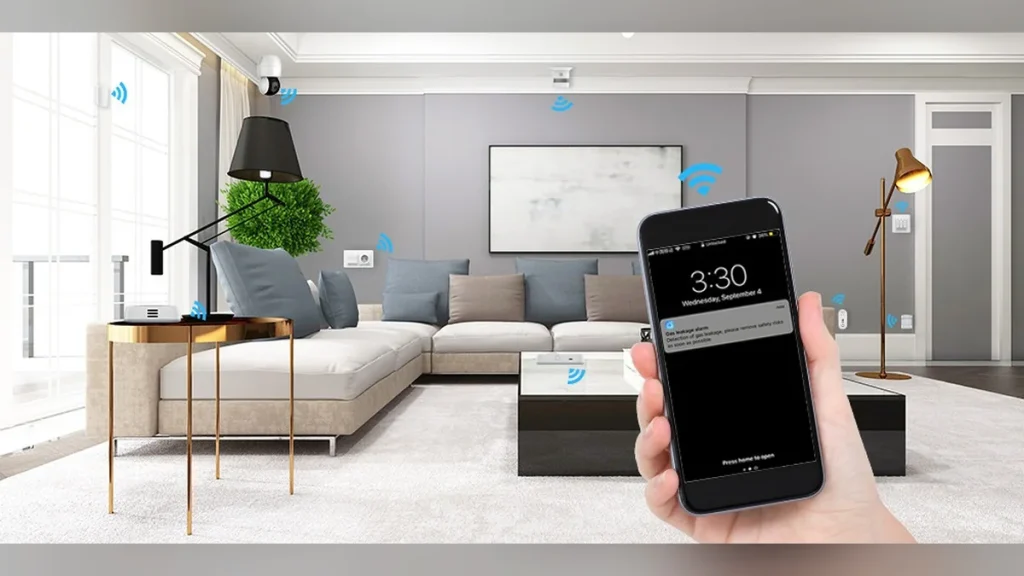
Every smart home device has a hidden second question. Not whether it works with Alexa. Whether it still works when your internet drops. This is the smart home offline test, and it has a checkable answer.
The answer is different for almost every product, and the marketing does not help. A device that advertises “works with Alexa” may be useless without a connection. A cheaper device from the same brand may keep running on your local network for a decade.
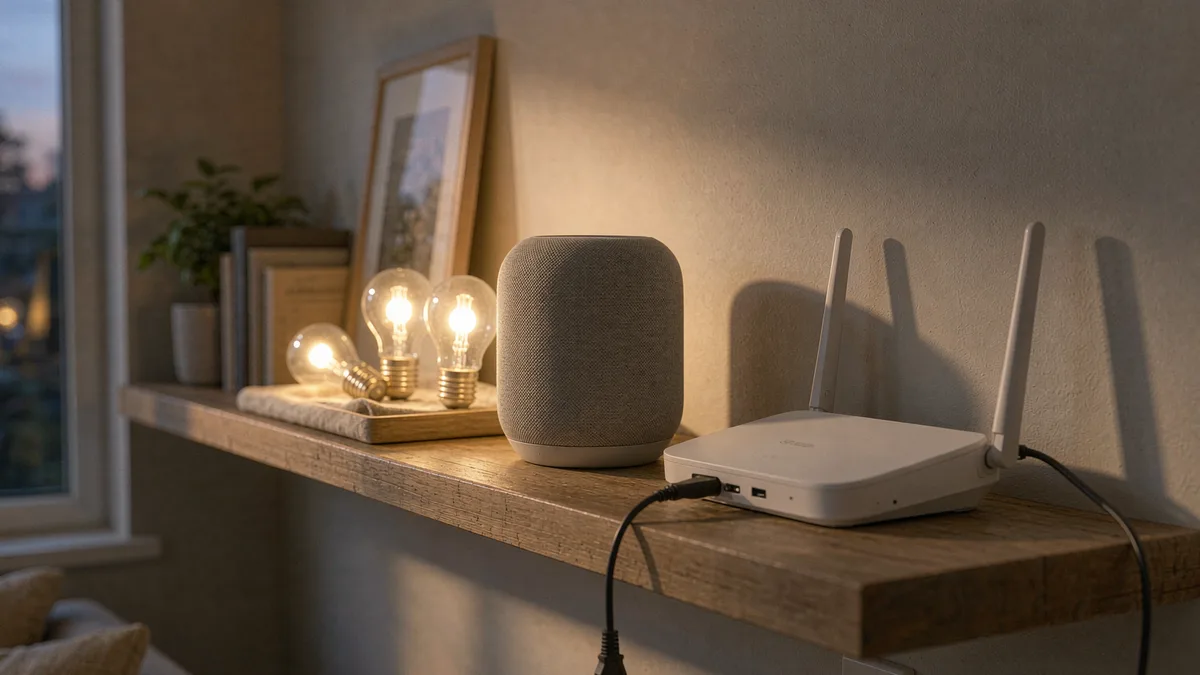
Here is how to tell the difference before you buy.
How to tell before you buy
Start with one phrase: works with Matter. Matter is the standard the industry agreed on. Local control is part of it.
That is not a guarantee of perfect behavior. It is the closest thing to a reliable signal you can find on a product page.
The second signal is a hub. Devices that talk to a hub instead of your router usually keep working when the internet goes. Zigbee and Z-Wave both work this way, and Thread adds the same idea over a low-power mesh.
Wi-Fi devices are the opposite. When a Wi-Fi plug talks directly to a cloud server, that server sits in the middle of every command. Pull the internet and the plug stops answering.
A third signal takes thirty seconds to check. Read the setup requirements and the account requirement. If the device refuses to be configured without an account, it almost certainly depends on a server you do not own.
Thread deserves a note of its own. It uses the same low-power mesh idea as Zigbee. It was designed alongside Matter. Devices using it still need a border router, which is often a smart speaker or a plug, and that router is the piece that has to stay online locally.
Battery life moves with the choice too. Wi-Fi chips are power hungry, which is why so few battery-powered devices use them. Zigbee, Z-Wave and Thread devices can run for a year on a coin cell, and that difference follows directly from the protocol.
None of those tests requires a technical background. They require reading past the headline on the box.
What actually keeps working
Lights on a local hub keep working. Switches on Zigbee or Z-Wave keep working. Schedules stored on the hub keep running. That covers a large share of what people actually automate.
Motion sensors on a local hub keep working too, along with the automations they trigger, as long as both live on the hub rather than in a cloud routine.
But the hub is only half the answer. The other half is where your automations live. Store the rules on the hub and they keep running. Store them in a cloud account and they stop.
Door locks are the case that matters most. A lock that needs the cloud can still be opened with a key or a keypad, but remote unlock, guest codes, and scheduling may all stop. For something guarding your home, that is a safety question rather than a convenience one.
Cameras are the opposite. Most Wi-Fi cameras stop recording to the cloud when the connection dies, and many also stop recording locally because the whole pipeline lives online.
And cheap is not the same as fragile. A cheap Zigbee sensor talks to a local hub. It reports with no internet at all. An expensive Wi-Fi camera may do nothing but blink.
Voice control fails almost entirely. If you say “turn on the kitchen lights” to a speaker, the request travels to a server before anything happens. A hub with local voice processing is the exception. It is rare.
Siri is the partial exception on Apple hardware, since some requests are handled on the device. That gets you a little further than the other assistants, and not all the way.
Then there are the routines, and this is where people get surprised. A rule that says “if the door opens after sunset, turn on the hallway light” may run locally on a hub or in a cloud service. The hardware can be perfectly capable and the automation still breaks, because the logic lived somewhere else.
The honest summary is that a smart home built on hubs degrades well, and a smart home built on Wi-Fi cloud services degrades badly. That is not about price. Some very cheap Zigbee gear survives an outage that takes down expensive Wi-Fi cameras.
So run the outage test before you need it. Twenty minutes offline tells you more than any review. Then write down what failed.
One test beats every spec sheet. Unplug your internet for twenty minutes on a quiet evening. Then walk around the house and try the things you would want in an emergency. The list of what answers is your real smart home.
That test also reveals the awkward gaps. The lights may work while the lock does not. The sensors may report while the app refuses to load. Those gaps are worth knowing about before a storm finds them for you.
But there is one more thing to check. Look at what the phone app does during an outage. Some apps show cached state. The light may be on while the app says off.
And plan the recovery, not just the outage. Know which devices need a manual power cycle. That list is shorter than you expect, and it saves an hour.
There is a separate failure people rarely plan for. When the internet returns, cloud devices often need to re-authenticate, reconnect and resync. That process can take minutes or hours, and some devices need a manual power cycle to come back at all.
The isolation practice is worth adopting regardless. Put smart home gear on a guest network or a separate VLAN. It keeps cheap devices away from your laptops, and it makes an outage in one segment less likely to touch everything else.
Two or three devices are worth doing this for even if you skip the rest. Door locks, cameras, and anything controlling heat or water. Those are the ones where a failed command has a real cost.
And think about who else depends on that server. A guest coming for the weekend, a pet sitter, a family member without the app. Their access breaks at the same moment yours does. That is worth a conversation before it happens.
That connects to a wider shift. Cloud dependency has a cost even when the connection is fine. I wrote about what happened when Google retired Assistant, and the lesson was that your hardware only lasts as long as the service behind it.
The camera situation is the same story from a different angle. Subscription fees and cloud storage are two versions of one dependency, and I worked through what a camera does without a plan earlier.
One habit makes this easy to maintain. When you add a device, test it once with the internet off. Pull the router for five minutes and see what still responds. If the lights come on but the app does not, you know exactly what you bought.
So the buying rule is short. Look for Matter, look for a hub, and check whether setup demands an account. Then decide which three devices you cannot afford to have fail, and give those the local path.
Everything else can stay on the cloud. Convenience is a fair thing to buy. Just know which parts of your house depend on somebody else’s server, and plan for the afternoon it goes quiet.