A two-bay NAS with two 4TB drives costs about $450. Google One charges $120 a year for 2TB. Run both for five years and the NAS wins. Run them for two and it loses.
Almost every NAS vs cloud storage comparison stops at that sentence and picks a side, which is why the advice online rarely matches what a normal household should do. The honest version needs three costs that the purchase price hides.
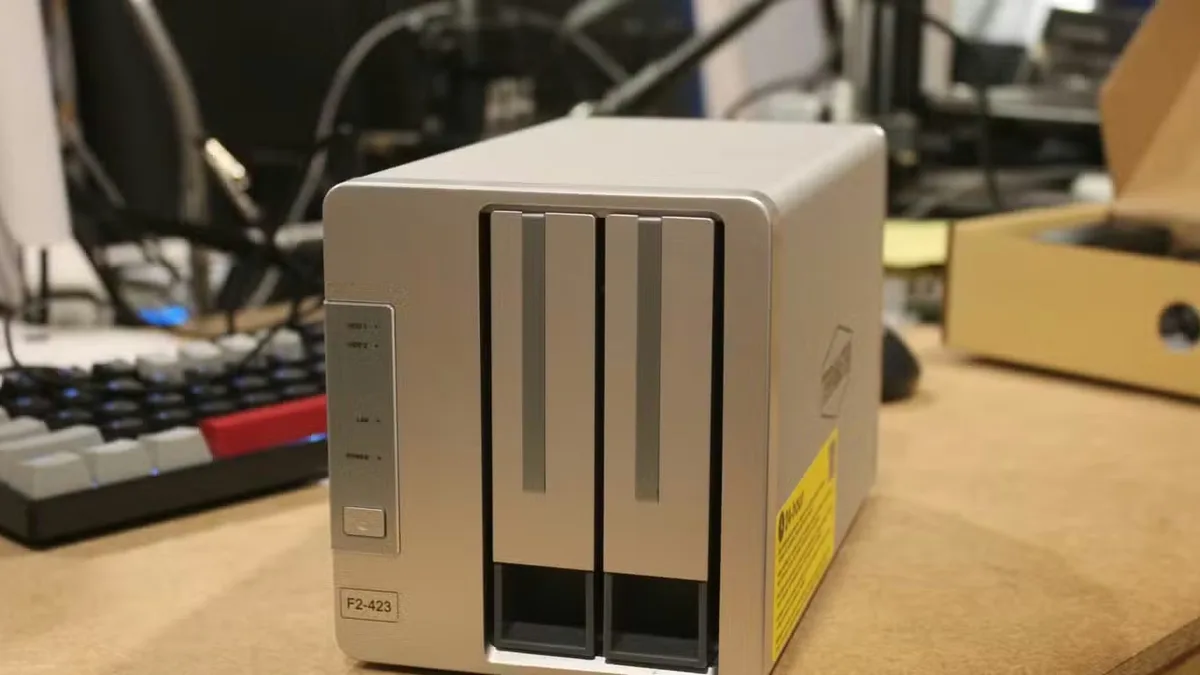
But first, one clarification that saves arguments later. A NAS is not a cheaper cloud drive. It is a small server you now operate.
It has an operating system that needs updates, a web interface, and a login you should secure properly. Some people enjoy that. Some people sell theirs in month three.
The upfront costs, itemized
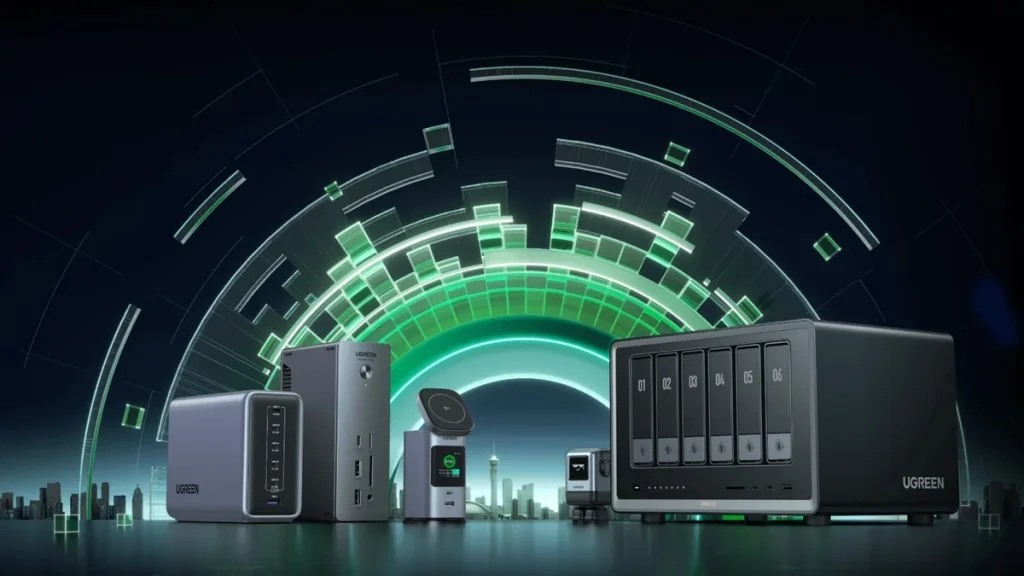
A Synology DS223 runs around $280 to $300 without drives. QNAP’s entry two-bay box sits closer to $170. Synology’s four-bay models start near $500 and climb from there.
Drives are the bigger surprise. NAS-grade disks from Seagate and Western Digital cost roughly $80 to $85 for 4TB. You want two of them, because one drive is one point of failure. That puts a realistic two-bay build between $440 and $480.
That buys 4TB of usable space, not 8. RAID 1 mirrors everything, so half your raw capacity pays for redundancy. It is the right trade for family photos. It is a shock if you assumed two drives meant two drives of storage.
Then electricity. A two-bay NAS sips power, and at typical US rates you are looking at roughly $15 to $20 a year. That is small. I mention it because no review ever does.
Drive failure is the cost nobody budgets for in time rather than money. Most NAS disks carry a three-year warranty, and rebuilding the mirror after a swap can take a full day. For that day you are running with no redundancy at all.
The larger cost is your own attention. Two evenings go into the first setup, then an hour every few months for updates and drive checks, plus a slow afternoon the year a disk starts clicking. Value an hour at $25 and a decade of tinkering quietly adds a few hundred dollars to the local column. The cloud’s real selling point is not the price. It is that the maintenance belongs to somebody else.
The bay count matters more than the brand. Four-bay boxes start paying for themselves around 20TB of usable space, where RAID 5 spreads the redundancy cost across more disks. Below that, two bays are simply cheaper.
If an old desktop is already sitting in a closet, the arithmetic shifts again. That machine can run the same software a NAS runs, and the only new purchase is drives. It draws more power and it takes more setup, but it is the cheapest way into local storage.
And a NAS makes noise. Two spinning drives inside a metal chassis are audible in a bedroom at night, which is why most of them end up next to the router instead.
What the cloud charges, and where the lines cross
Google One sells 2TB for $9.99 a month or $99.99 a year. Apple’s iCloud+ charges $9.99 a month for 2TB with no annual option at all, so Apple customers pay about $120 a year. Both land near half a cent per gigabyte per month at that tier.
Smaller plans are much worse per gigabyte. The same arithmetic at 50GB on iCloud works out to about $0.02 per gigabyte. Two cents sounds trivial until you multiply it by a decade.
Cloud plans also bundle more than disk space. iCloud+ throws in a private relay and disposable email aliases. Google One includes photo editing tools. Those extras make a clean per-gigabyte comparison harder than it looks.
Ten years of 2TB in the cloud lands between $1,000 and $1,200. Hold that number in your head while you shop for hardware.
So where do the lines cross? At 2TB, a $450 NAS pays for itself in under four years. At 5TB, where Google One charges $24.99 a month, it pays for itself in two. Below 1TB the cloud wins easily, and you can stop reading here.
There is also a one-time option I did not expect to like. pCloud sells a lifetime 2TB plan for around $399. That beats five years of subscription and roughly ties a NAS without the maintenance.
And the cheapest move of all is to store less. Duplicate photos and old screenshots are most of what fills a 2TB plan. Clearing them costs nothing and buys months.
Bandwidth is the invisible cost. Uploading 1TB over a 20 Mbps upstream connection takes about 110 hours. Not minutes. Hours, on a line you are also using for everything else.
That matters during the migration, and then it matters forever. Every photo you shoot has to reach the NAS before it is protected. If your plan is to back the NAS up to the cloud overnight, you are now paying for cloud storage anyway, which is the exact thing you were trying to avoid.
Remote access is the other surprise. Synology’s relay service works through most home connections, but it is slow. A direct connection needs a public address, and plenty of ISPs now hand out shared ones.
Then there is warranty reality. Synology has no service centre in many countries, so a dead unit travels back through the retailer. Budget a couple of weeks without your files.
Which brings up the rule that storage people repeat until they are tired of saying it. RAID is not a backup. Mirroring protects against a dead drive, and it does nothing about ransomware, a spilled drink, or your own mistake with a delete command. I watched a tool delete 300GB of files from two drives at once, and the second drive saved nobody.
A real backup needs a copy somewhere else. For a home NAS that means an external drive you rotate, or a paid service, or a friend’s house. Backblaze charges about $99 a year per computer. Add that to the NAS column and the gap narrows fast.
Put the whole thing on one line and the picture is clearer. Five years of a two-bay NAS with drives, a backup service, and electricity lands near $1,000. Five years of the same capacity in the cloud lands near $550.
There is also one number the five-year frame hides. A NAS does not evaporate the way a subscription does. A box bought this year is still a working machine five years out, and the drives are the only part that will have aged. Stop paying for cloud storage and your access stops with the payment.
So here is my honest read, and it is not the one most NAS guides reach. Under about 3TB, cloud storage is cheaper and dramatically less work. Between 3TB and 5TB it is genuinely close. Past 5TB, local storage starts winning by a lot.
The better reasons to buy a NAS are not financial, and they are the reasons people keep the same box running for a decade. Several devices backing up on their own. A media library that streams without buffering. No monthly bill that can rise while your files sit hostage.
If you are deciding on cost alone and your household keeps a normal amount of data, the answer is usually to keep paying Apple or Google. That is a boring answer. It is also the one that leaves $400 in your bank account.
And if you do build one, start with a single drive and add the mirror when you finally have something worth losing. I have done the cheap version of this with old hardware, and the lesson was that setup is the expensive part, not the parts.