Microsoft will retire SMS verification for work and school accounts on February 1, 2027. Voice callbacks go away at the same time. If you sign in with a code texted to your phone today, that method stops working on that date, and Microsoft says there is no opt-out.
Most coverage of this got the consequence wrong. The headlines promise that millions of people will be locked out of their accounts. Read the actual documentation and you get a smaller, much more annoying story.
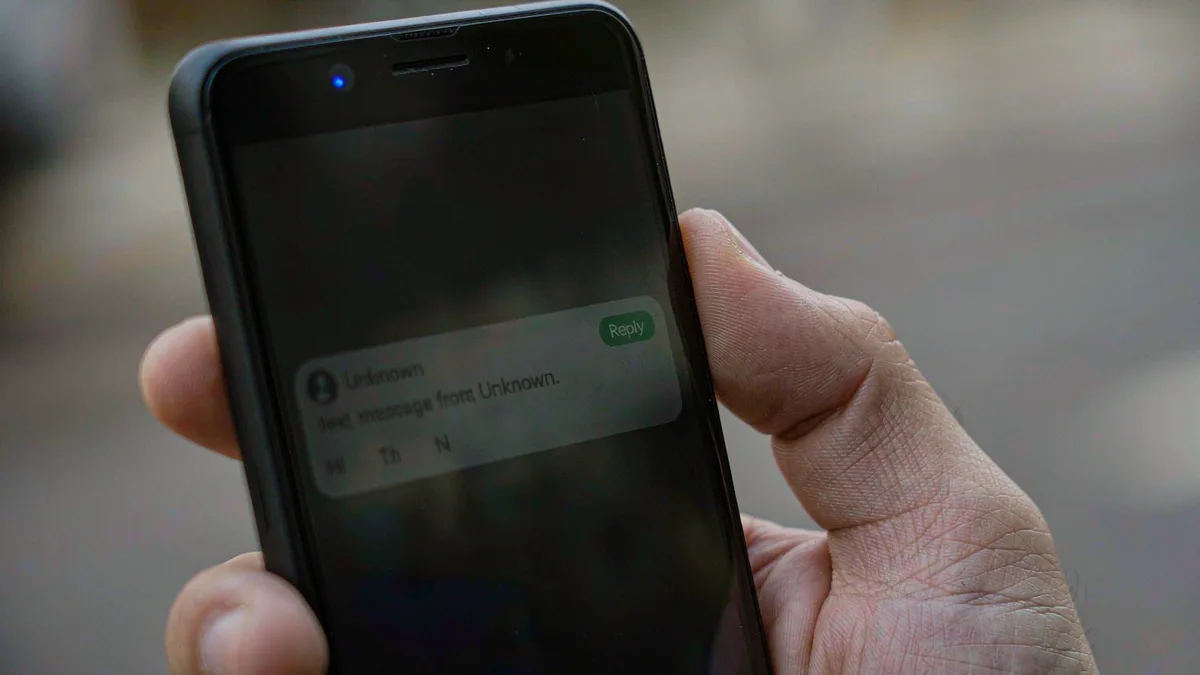
So here is what actually happens. After February 1, anyone whose only second factor is a text message gets asked to create a passkey in the middle of signing in. The prompt blocks the login until it is finished. Nobody wakes up to a dead account.
What actually changes, and when
Two dates matter here. And they are not the same date.
On September 1, 2026, passkeys became the default sign-in experience in Microsoft Entra ID. Anyone still enabled for SMS or voice was automatically enrolled.
They then started seeing a registration nudge after they finished multi-factor authentication. That nudge is gentle. It is not a deadline. Users can snooze it, and by default they can snooze it forever.
February 1, 2027 is the hard one. Microsoft stops supplying SMS and voice delivery inside Entra ID. A user whose only remaining method is a text message has to register a passkey before the sign-in will complete. No opt-out. Every tenant.
One group gets a reprieve, and almost nobody mentions it. Global administrators and external users keep Microsoft-provided SMS and voice until July 1, 2027. Internal guest accounts do not. They stay on the February date, which is the sort of detail that only bites you after you have already told everyone the plan.
Self-service password reset is covered as well. That matters if your help desk leans on it. Password resets are the flow people run when they are already locked out, so a surprise there is worse than a surprise at normal sign-in.
Organizations with a real regulatory need can keep texting people. They just have to contract a carrier themselves through the Microsoft Security Store. That is billed per message, varies by region, and needs someone in procurement to sign it. So the practical deadline for a small business arrives well before February.
Getting off SMS costs nothing, by the way. Moving users onto passkeys adds no line item. Paying a carrier to keep the old method alive is the option that costs money. That ordering is worth remembering when you argue about budget.
Microsoft’s stated reason explains the timing. SMS and voice are among the most vulnerable authentication methods available, the company says. Both got cheaper to attack once capable AI models became cheap and widely available, because a convincing phishing page is now a weekend project. That pressure is not going away.
Where people actually get stuck
Registering a passkey takes about ninety seconds. Living with one is the part that trips people up.
The choice that decides your next five years is where the passkey lives. Synced passkeys sit in a credential manager like iCloud Keychain or Google Password Manager. They follow you to a new phone because the cloud account moves them.
Device-bound passkeys do not move. Windows Hello, a passkey inside Microsoft Authenticator, and a FIDO2 hardware key all stay put. That is safer. It also means a lost laptop is a lost credential.
Microsoft supports both, and its own documentation treats the decision as a footnote. I think it is the whole ballgame. Pick synced if you replace your phone every couple of years and hate carrying things. Pick device-bound if you would rather not have your second factor sitting behind the same password as your email.
The friction shows up on shared machines. A library computer. A hotel business center. A lab bench at a university.
Passkeys lean on Bluetooth proximity plus a device you physically carry. A borrowed desktop can satisfy neither. So that is the scenario where a person gets stuck at a login screen twenty minutes before a meeting.
Register a second path. A hardware key on your keyring costs about $30. A time-based code app works on any phone. Both are already supported, and both take five minutes to set up while you still have a working fallback.
On a Windows 11 laptop, the path of least resistance is Windows Hello. It is already configured on most machines with a fingerprint reader or a face camera. Turning it on takes less time than reading this page. Phone-first users get the same idea with a different logo.
This is the same shape as Google’s decision to kill third-party Send As in Gmail. A platform announces a security upgrade and hands you a date. Then it leaves the migration work on your desk. The pattern is worth noticing, because it keeps repeating.
Know your own inventory before you plan anything. Entra has a PowerShell snippet that lists every user still enabled for SMS or voice. Any non-zero result means you are in scope. I would run that first instead of guessing from job titles.
It is also worth auditing the accounts you cannot afford to lose, the way I went through the password-reset endpoint on my own site. Most people find two or three old logins that still think a text message is strong security.
If I were running this migration, I would do four things in week one. Run the PowerShell check. Ask finance what a per-message carrier contract would cost. Buy two hardware keys for the frequent travelers. Then send a short email explaining what a passkey is, before anyone meets the prompt.
Personal Microsoft accounts are a different animal. Outlook.com, Xbox, and the login you use for Windows 11 are not governed by the Entra timeline. Microsoft has not published a cutoff date for them. Anyone telling you your personal account dies in February is guessing.
Even so, passkey prompts have been showing up on consumer accounts for months. The direction is obvious. Registering a passkey there costs nothing and is reversible. So there is no reason to wait for a deadline that has not been announced.
There is a cost worth naming, too. Every passkey you create gets tied to one vendor, and vendors have outages. Apple’s iCloud Keychain has had bad days. Google’s password manager has had bad days. If your way into your bank and your email depends on one company’s sync service staying healthy, you have swapped a text message for a different single point of failure.
I am not convinced the industry has thought through what happens when a synced credential store breaks for a few million people at once. The security case for passkeys is solid. The recovery story is thinner than the marketing suggests. And it depends on you having set up that second path before you needed it.
The awkward part is timing. Nobody migrates authentication during a quiet week, and there is no quiet week between now and 2027.
For anyone running a small tenant, the calendar is misleading. February 2027 looks like the deadline. The work starts now. Someone has to explain passkeys to thirty people, and half of them will ask whether they can just keep the text message.