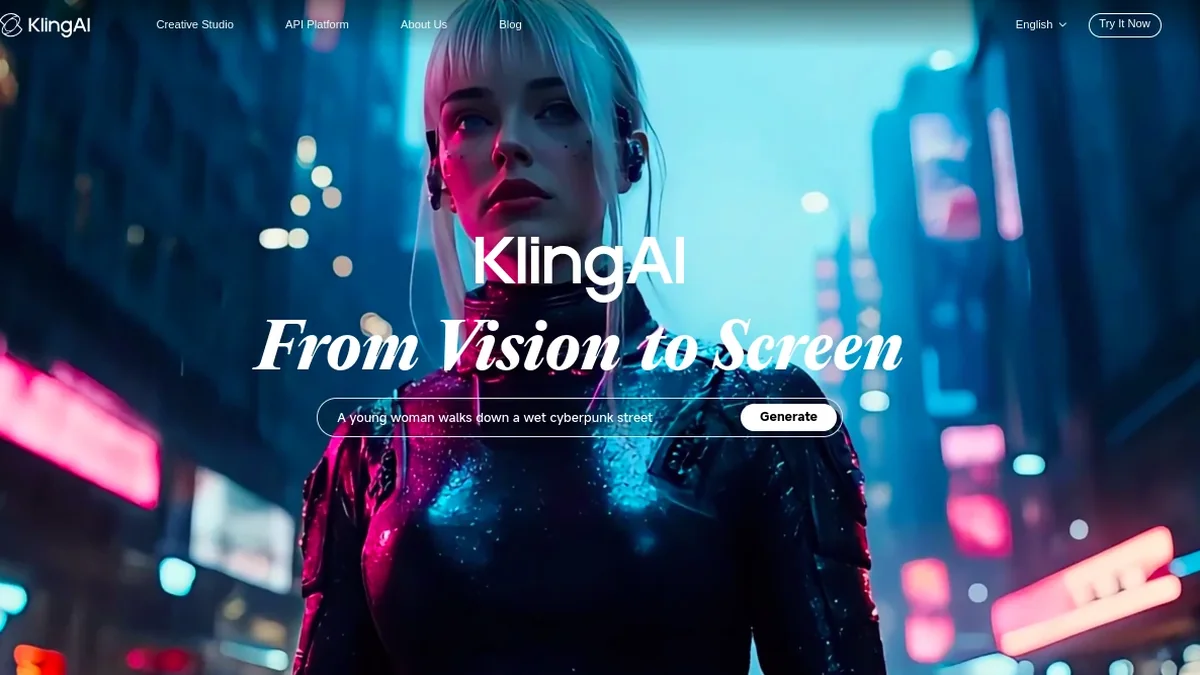
Kling AI is the video generator from Kuaishou. Kuaishou runs one of China’s two biggest short-video apps. Kling works in the US. And you do not need a Chinese phone number to sign up.
The friction is somewhere else. Kling moved its global site, and a large share of the pages ranking for it still point at the old address. The free allowance people quote online is out of date as well.
I checked where the domain points on September 29, 2026, and read the plan figures off Kling’s own membership page. What follows is where Kling actually lives now, what each tier costs, what the free tier still gives you, and the two things that trip up new users.
Last updated: September 29, 2026. Kling repriced its top tier during 2026. It keeps the promotional first-month figures in front. So treat the numbers here as a snapshot. Confirm yours at checkout.
The address changed
Kling’s global site used to live at klingai.com. It does not any more. A request to klingai.com comes back as a 301 to kling.ai, and the app path follows the same route: app.klingai.com forwards to kling.ai/app/.
That fact explains a lot of the confusion. Tutorials written before the move link to the old domain. A few describe a sign-up flow that no longer matches. And the old links still work. But the pages behind them can be months out of date.
There is a second fork worth knowing about. Kling has run two products in parallel, one for the Chinese market and one for everyone else. They look alike and they are not interchangeable. The Chinese build expects a mainland phone number. If a sign-up screen asks you for one, you are in the wrong place, and the fix is to go to kling.ai rather than to hunt for a workaround.
The four ways in
Three of the four are for people who want to make a video. But the fourth is a different purchase. It is for people building something else.
| Way in | Where it lives | Covers | What to know |
|---|---|---|---|
| Web app | kling.ai/app/ | Whatever the account can reach | The version with the full editor and the longest prompt box |
| iPhone and iPad | The App Store, listed by KLING AI PTE. LTD. | iOS | Carries in-app purchases, which cost more than the web |
| Android | Google Play | Android | Same account as the web app |
| Developer API | Kling’s developer platform | Programmatic access | Runs on its own prepaid balance. A subscription buys you nothing here |
The mobile apps are the ones most people meet first, because that is where the marketing points. The web app is the one to use if you plan to sit down and work, since the editor and the export options are fuller there.
If you buy inside the iOS app, Apple takes a commission and Kling passes it through. The subscription is the same one, at a higher monthly figure. Buy in a browser when you can.
The login, and the trap inside it
Kling’s international sign-up takes a Google account, an Apple ID, an email address, or a phone number. There is no password to create. Every route either sends a code or hands the session to the provider.
The trap is that Kling binds the account to the method you used first. Register with Google, then come back a week later and try the email route with the same inbox, and you get an “account already exists” message. It reads like an error on your side. It is not. The platform is offering to make you a second, empty account.
So pick one method and stay on it. If you are locked out of an account you know exists, try the route you used the first time before you conclude anything is lost. That advice covers most of the lockout reports.
What the plans cost
Kling prices in credits, not in minutes. The membership page shows five tiers, and each paid one carries three different numbers.
| Plan | Credits per month | List price | First month | Renewal |
|---|---|---|---|---|
| Basic | No fixed monthly pool | $0 | — | — |
| Standard | 660 | $10 | $6.99 | $8.80 |
| Pro | 3,000 | $37 | $25.99 | $32.56 |
| Premier | 8,000 | $92 | $64.99 | $80.96 |
| Ultra | 26,000 | $180 | $127.99 | $159.99 |
The renewal column is the one to read twice. On every tier the renewal figure sits below the list price, which is unusual. Standard renews at $8.80 against a $10 list. The introductory discount shrinks after month one. It does not disappear.
Credits are the unit that decides whether a plan is big enough, so it helps to know what one buys. Kling’s own page does the arithmetic for you. It describes Standard as roughly 33 standard 720p videos, and Pro as roughly 150. That works out to about 20 credits for a short clip at the base setting.
Everything above that base setting costs more. Higher resolution and native audio each push the per-second rate up, and the top model has its own scale again. The credit pool is a budget, and the expensive modes spend it faster.
What free actually gives you
Search for Kling’s free credits and you will still find 66 a day. That described the free tier in 2025. It is not what the membership page says now.
The current page lists Basic at $0 with no fixed monthly credit pool. What it offers instead is a smaller package of standing benefits: a daily number of free uses on the entry model, and a monthly credit drop that you claim by logging in. The headline you remember and the allowance you get are no longer the same thing.
| Free (Basic) | Paid | |
|---|---|---|
| Watermark | Stays on every output | Removable |
| Resolution ceiling | 720p | 1080p, and 4K on the upper tiers |
| Commercial use | Not licensed | Licensed, with one carve-out |
| Queue | Standard | Unlimited tasks, fast-track above Pro |
| Monthly credits | None listed | 660 up to 26,000 |
| Unused credits | Reset | Do not roll over |
The commercial line is the one that catches small businesses. Output from the free tier is not licensed for commercial use. Paid tiers are, subject to one restriction: you cannot take Kling output and use it to build a product that competes with Kling.
Credits expire on both sides of the line. Free allowances reset rather than accumulate, and monthly plan credits do not carry into the next cycle. It is worth treating the pool as a monthly budget rather than a balance you are building up.
Two wallets that never meet
This is the mistake that wastes the most money, and it is not obvious from the pricing page.
Kling runs two prepaid systems. They share a login and nothing else. The consumer membership funds the web app and the mobile apps. The developer API runs on a separate balance, topped up separately. A subscription does not put credits in the API account, and API credits never appear in the editor.
Where people get stuck
The support questions around Kling cluster into a handful of shapes. One of them is the billing complaint, and it is worth naming directly.
| Symptom | What is actually going on |
|---|---|
| Login fails, or a verification loop | Usually browser state or the network. Clear site data for kling.ai, turn off tracking blockers, and try a private window before you change anything else |
| “Account already exists” | You signed in with a different method than the one you registered with |
| A region or access error | You have landed on the Chinese product. Confirm you are on kling.ai |
| Credits gone at the end of the month | They expire. Nothing is broken |
| Credits not arriving after a purchase | The complaint that shows up most often in the app reviews, and the slowest to resolve |
| Waiting on support | There is no phone line. The published route is the in-app form, and the listed address is support@klingai.com |
The first row is worth trying before anything else, because it is free and it fixes most lockouts. The fifth row is the one to guard against. Read your credit balance after any purchase rather than assuming it landed, and keep the receipt.
If a problem is a charge inside the App Store or Google Play, the store is the first desk, not Kling. Both handle their own refunds, and the app maker cannot move money it never received.
Which plan I would pick
| If you | Pick |
|---|---|
| Want to find out whether AI video is useful to you | Free. Treat the daily allowance as a test drive and accept the watermark |
| Publish what you make | Standard. Clearing the watermark is the line that matters, and 660 credits is a real month of short clips |
| Work at 1080p, or want model updates early | Pro, and watch the first month’s burn rate before you commit further |
| Run volume for a team | Premier or Ultra, bought on the web rather than in the app |
The combination I would avoid is subscribing inside the iOS app and then going looking for a cheaper renewal. The price difference is permanent, and the way out is to cancel in the App Store and re-subscribe in a browser once the current period ends.
Kling sits in a crowded field of video generators. For most people the practical question is simpler. Does the account work the way the page promised? Do the credits and the license?
The CapCut page runs this same check on another app. And the DeepSeek page repeats it for a text model. The ten-app availability table puts Kling next to the rest. All of it sits under the China Tech in America index.
What I would watch next is the free tier. Kling has already replaced one allowance with another once, and the pages describing the old one have not caught up. The pricing page is the least durable part of this article.