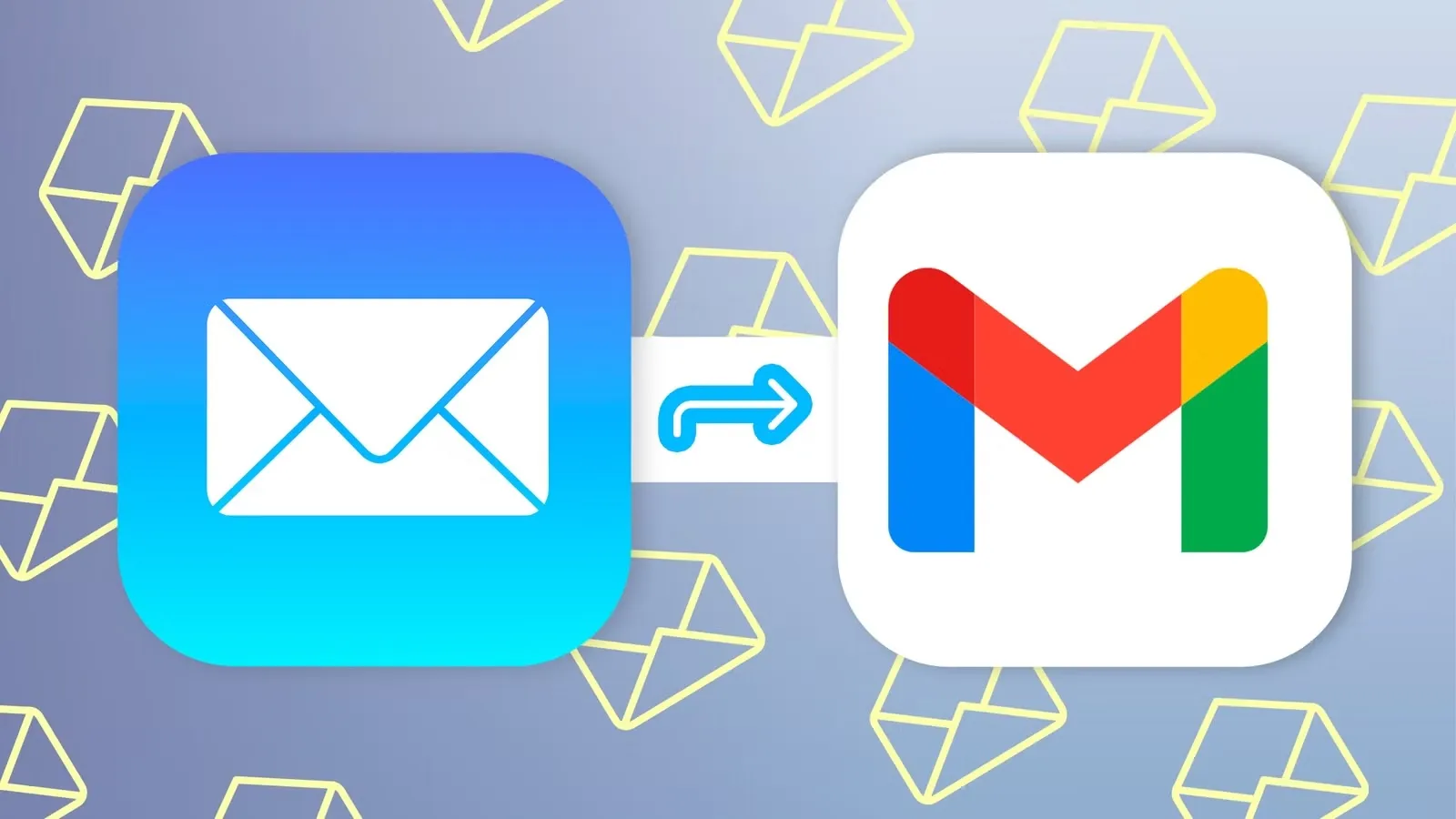
Google just announced they are killing three Gmail features that a lot of people rely on. Starting January 2027, you will no longer be able to send emails from a Yahoo or Outlook address through your Gmail account. The web version of POP fetching is going away too. And Gmailify, the feature that lets Gmail’s spam filters work on your external accounts, is also getting the axe.
I have been using Gmail as my central inbox for years. I have my personal domain, a couple of old Yahoo addresses, and my main Gmail all routed through one place. So this one stings a bit.
Let me break down what is actually happening, because Google’s announcement is a little dense.
The Three Features That Are Going Away
Send-as for third-party accounts is probably the biggest one. If you have ever gone into Gmail settings, added a non-Gmail address, and set it up so you can send emails that look like they come from that address, that is going away. Both the web version and the mobile apps are affected.
Here is a concrete example: say your main Gmail is [email protected], but you also own [email protected]. Right now, you can compose an email in Gmail and send it as [email protected]. The recipient sees that address, not your Gmail. Starting January 2027, that stops working for non-Google addresses.
POP fetching on the web is the second one. This is how Gmail pulls emails from your Yahoo, Outlook, or other accounts into your Gmail inbox. You set it up once, and Gmail periodically checks those accounts and brings new mail over. That is going away on the web version.
Gmailify is the third. This was Google’s way of letting external accounts, mostly Yahoo and Outlook, get some Gmail superpowers. Spam protection, inbox categorization, better mobile notifications. All that goes away in January 2027.
What Still Works
The mobile app is fine. You can still add Yahoo, Outlook, or other non-Google accounts in the Gmail app on Android or iPhone. They show up as separate accounts, and you can switch between them to read and send mail. It is just not as seamless as having everything flow into one inbox.
Gmail-to-Gmail aliases and Google Workspace Send-as are unaffected. If you have multiple Gmail addresses or a Workspace account, nothing changes.
And if you use an external email client like Outlook, Thunderbird, or Apple Mail to access your Gmail, those still work through IMAP and POP. This change is specifically about accessing other accounts from Gmail, not about accessing Gmail from other apps.
Why Is Google Doing This?
Google’s official line is that these features require disproportionate maintenance resources. They want to keep Gmail secure, smart, and easy to use, and maintaining these older integrations is apparently too much work.
I am not buying that entirely.
The cynical take, and I am seeing a lot of people say this on Reddit, is that Google is nudging power users toward paid Workspace accounts. Workspace Send-as still works. The free version loses it. That is not a coincidence.
What This Means for You
If you just use Gmail for your Gmail account, nothing changes. You will not notice a thing.
If you are like me, someone who uses Gmail as a central hub for multiple email addresses, this is annoying. Here is what I am planning to do:
Option one: move to a desktop email client. Something like Thunderbird or Apple Mail can handle multiple accounts in one place. It is not as convenient as having everything in Gmail’s web interface, but it works.
Option two: just use the Gmail mobile app for everything and accept that the web experience is going to be more fragmented. The mobile app still supports multiple accounts.
Option three: pay for Google Workspace. If Send-as is critical for your workflow, this keeps it working. But it is $6 to $12 a month, which feels like a lot for a feature that used to be free. Google has been moving its best features behind paywalls for a while now. Gemini’s agent features, for example, are locked to a subscription.
The Timeline
Here is when things happen:
Q3 2026: Google starts notifying affected users.
Q3 to Q4 2026: transition period. Existing features still work, but Google may restrict new setups.
January 2027: everything gets turned off.
So you have until early 2027 to figure out your new setup. That is plenty of time, but do not put it off. If you are using Send-as or POP fetching right now, start thinking about alternatives.
My Take
Honestly, I am disappointed. Gmail’s ability to act as a universal inbox is one of the reasons I stuck with it for so long. Being able to send from my custom domain while using Gmail’s interface was a killer feature.
But I also get it. Maintaining legacy integrations is expensive, and Google is not in the business of running free services indefinitely. They are a business, and businesses make these kinds of calls.
I will probably try the desktop client route first. Thunderbird has come a long way, and I have heard good things about its modern interface. If that does not work, I might just accept the mobile-only approach and deal with the web version being less useful.
Either way, I am not switching away from Gmail entirely. The core product is still solid. But this change does make me think about how much I have come to rely on features that Google can just decide to remove one day.
That is the thing about free services. You are not the customer. You are the product. And sometimes the product gets rearranged in ways you do not love. Google has been trimming legacy features across the board lately, and Assistant is getting retired too, with official reasoning that is almost word for word the same.
I will report back once I have settled on a new workflow. If you have a setup that works well, let me know, because I am curious what other people are doing before the deadline arrives.