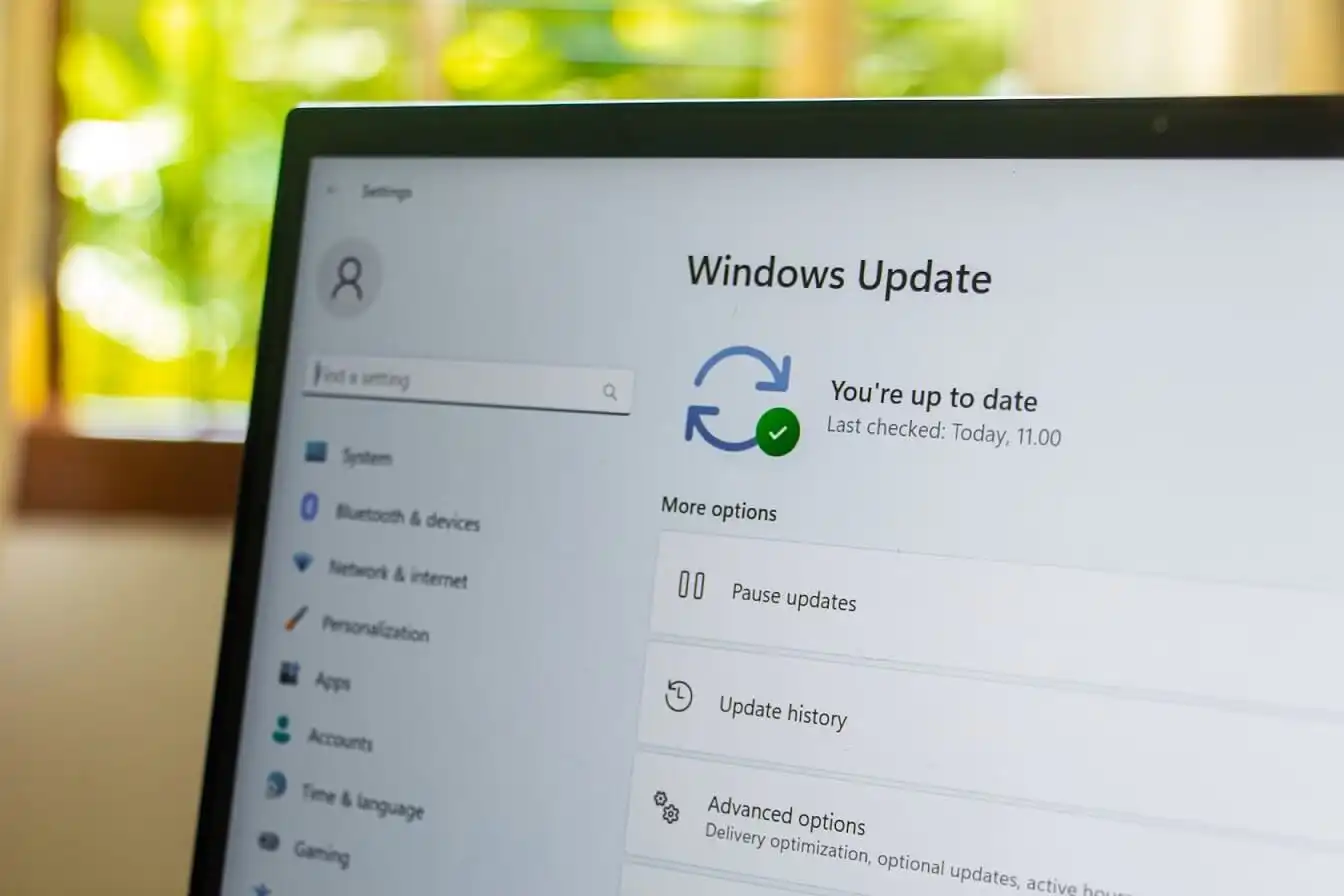
I installed the August Windows 11 update last week. KB5121003. Didn’t think much of it. Security patch, right? Fixes some vulnerabilities, makes things safer. Then I tried to play a game.
It crashed.
Not a gentle crash either. The screen froze, went black, and then blue screen. EXCEPTION_ACCESS_VIOLATION. My PC restarted itself. I stared at the boot screen and thought, here we go again.
Turns out, I wasn’t alone.
The Short Version
Microsoft pushed KB5121003 on August 11. It patched over 420 vulnerabilities, including a zero-day called LegacyHive that attackers were already using. Important update. You don’t want that hole sitting open on your machine.
But the patch broke something else.
Games started crashing. Specifically, Arc Raiders, Marvel Tōkon: Fighting Souls, and The Finals. Players reported the same pattern: game freezes, EXCEPTION_ACCESS_VIOLATION error, then the whole system reboots.
Microsoft investigated and found the culprit.
RGB lighting.
Wait, RGB?
Here’s the thing. It’s not the lights themselves. It’s the software that controls them.
Most RGB peripherals, keyboards, mice, fans, RAM sticks, come with their own control software. That software installs a driver called inpoutx64.sys to talk to your hardware. This driver runs at the kernel level. Think of the kernel as the core of your operating system. It’s the part that has direct access to everything. Drivers that run there are powerful. They’re also dangerous if something goes wrong.
The problem? Anti-cheat systems in games also run at the kernel level. They need to, because they have to detect cheating software that tries to hide itself. When anti-cheat sees another kernel-level driver doing stuff, it gets suspicious.
So it blocks it.
But the RGB software doesn’t know it’s been blocked. It keeps trying to push lighting changes or read temperature sensors. That triggers the EXCEPTION_ACCESS_VIOLATION error. In worse cases, the anti-cheat system terminates the driver mid-operation. That causes a kernel panic. Windows can’t recover from that. So it blue-screens and restarts.
Basically: two pieces of software fighting over who gets to talk to your hardware. And your game loses.
What Can You Do About It?
Microsoft hasn’t released a permanent fix yet. They’re working on it, probably for the September update. But if you want to play games right now, here’s the workaround.
Open the Windows Registry. Type regedit in the Start menu and open it.
Navigate to this key: HKEY_LOCAL_MACHINESYSTEMCurrentControlSetServicesinpoutx64.
Wait, I should have mentioned this earlier, back up your registry first. Just in case. If something goes wrong, you’ll want to undo this. Export the key before you touch anything.
On the right side, find the value named Start. Double-click it and change the value data to 4. That disables the driver.
Close the window and restart your computer.
That’s it. Your games should stop crashing.
One detail worth knowing: the Start value uses a numbering system. A 4 means disabled, a 3 means manual, a 2 means automatic. If you ever want the driver back, set it to 2 and reboot. I’m mentioning this because people panic when they see a number they don’t recognize, and it’s easier to undo than to reinstall the RGB software from scratch.
One Catch
Disabling that driver might break some of your RGB software. The lights might stop working, or you might lose control over them.
But there’s an alternative. You can use universal programs like SignalRGB or OpenRGB. These apps control your RGB devices without installing the problematic driver. They work with most hardware, as long as your device is on their support list.
I actually covered a similar Windows 11 issue before, the one where updates broke games and Windows Hello. Windows 11 Update Broke My Games and Hello. Here’s What to Do That one was also about KB5121003, but it affected more than just gaming. Some people had to reset their PIN every time they restarted. Others had display glitches and HDR issues. Microsoft really messed this one up.
Should You Uninstall the Update?
Some people are saying to just remove KB5121003 entirely. That works. Your games will stop crashing.
But here’s the thing. That update patches a zero-day exploit that attackers were already using. If you uninstall it, you’re leaving that door open. I’m not saying you’ll get hacked tomorrow. But it’s a real risk.
I’d only uninstall it if your PC is basically unusable. Otherwise, just disable the driver and wait for Microsoft to fix it properly.
What I Actually Think
Honestly? This is frustrating. I get that Windows is complicated. I get that third-party drivers are hard to test for. But every single month, it feels like something breaks.
I’ve been using Windows for a long time. I’ve seen bad updates before. This one isn’t the worst. But it’s annoying because the fix is so specific. Most people don’t know what a registry editor is. They don’t know what inpoutx64.sys does. They just know their games stopped working.
That’s not good enough.
Microsoft needs to do better at testing these things before they roll out to millions of people. Or at least communicate faster. They still haven’t listed this as a known issue in their official release notes. That’s not great.
The Bottom Line. If your games are crashing after the August Windows 11 update, it’s probably your RGB software.
Disable the inpoutx64 driver through the registry. Or switch to SignalRGB or OpenRGB. Or, if you’re desperate, uninstall the update entirely.
Just don’t uninstall it without thinking about the security risk.
I’ll keep the driver disabled and wait for the September patch. We’ll see what happens.
Oh, and if your PC is just booting slow in general, not just crashing in games, I wrote about that too. Windows 11 Boots Slow? Here’s the Fix I Used Mostly about cleaning up startup programs. Different issue, same frustration.
A word on prevention, since this is the second RGB-related headache I’ve seen this year. If you build or buy a gaming PC, it’s worth deciding early whether you actually care about synchronized lighting. If you don’t, skip the branded control apps entirely and let the motherboard do basic static lighting. Fewer drivers means fewer surprise conflicts like this one. The lighting won’t be as fancy, but your system will be quieter in the worst sense of the word, as in, it won’t blue-screen while you’re trying to relax.